· 3 min read
New Ways to Practice: Cards, WordCards, Video Shadowing, and Multichoice Quiz
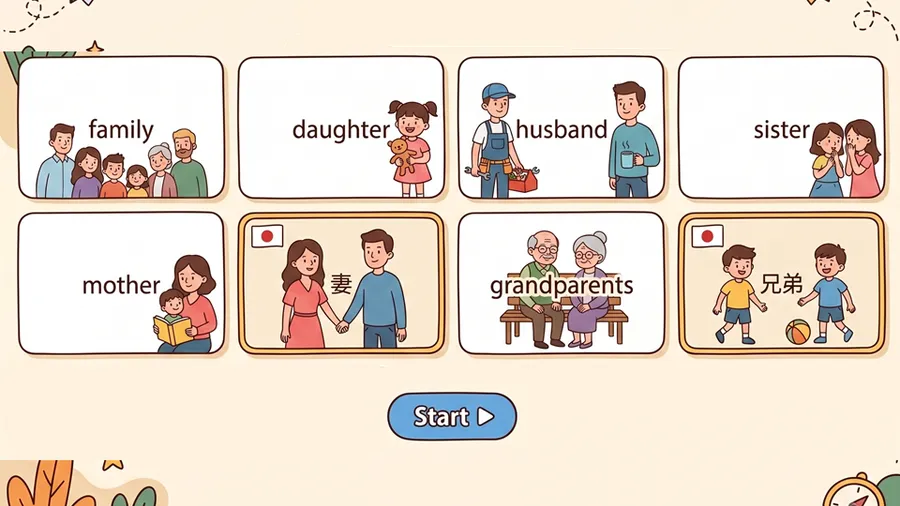
Four new MiniLesson item types landed over the last couple of months - Cards and WordCards for vocabulary, Video Shadowing for speaking along with YouTube, and Multichoice Quiz for questions about a passage.
Four new item types have shown up in MiniLesson recently, each aimed at a different kind of practice: introducing vocabulary, vocabulary drills, speaking in sync with a video, and checking comprehension of a passage. Here’s a quick tour of each.
Cards - introducing new words and phrases
Cards shows a series of one sided cards a student moves through with next/back buttons - each one can display up to 4 text lines:
- a word or phrase
- a translation
- an example sentence
- a translation of the example sentence
Each card can also have an image, and audio for the target word/phrase and example sentence. Cards are not graded. The item is intended to introduce or a review new vocabulary or phrases. Subsequent items in the lesson can provide practice and scores.
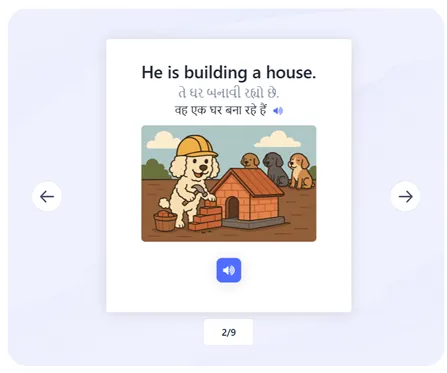
The Cards item type for is for introducing a list of words - but it is deliberately left flexible for other use cased. The item type “WordCards” is related, but different. It is for word practice drills.
WordCards - vocabulary, four ways
WordCards takes a list of words with their definitions or translations and drills them one at a time, in whichever of four modes you pick: listen and type, listen and choose, type the word, or choose the word. There’s an intro screen of flip cards to review the list first, a compact onscreen keyboard for the typing modes (handy on mobile, or for characters students don’t have on their own keyboard), and optional images or audio per word.
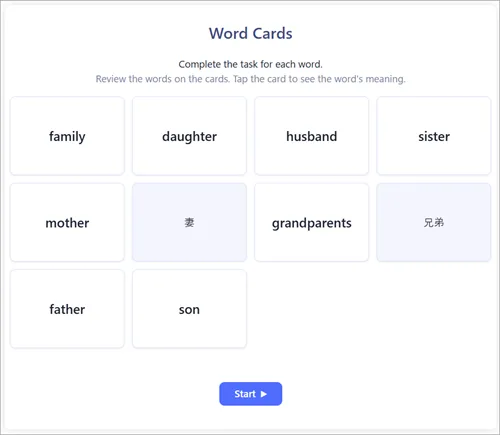
We wrote more about it, including exactly how the word list and media are entered, in a new WordCards item.
Video Shadowing - speak along with YouTube
Shadowing is a well-known technique for building fluency: you watch and listen to a line, then say it aloud in sync as it plays again. The Video Shadowing item builds that directly around a YouTube clip. Students watch the clip once, then work through it line by line - each line plays, highlighting word by word, then replays a set number of times (you choose how many) for the student to shadow along with it, before moving on.
As the author, you set the YouTube video and clip start/end time, and either fetch the video’s subtitles automatically or paste them in by hand - fetching doesn’t always succeed, since YouTube blocks a lot of automated requests, which we’ve written about separately. You can also choose which lines are worth shadowing rather than all of them (a CSV list of line numbers, or * for everything), and how long the pause between repeats is.
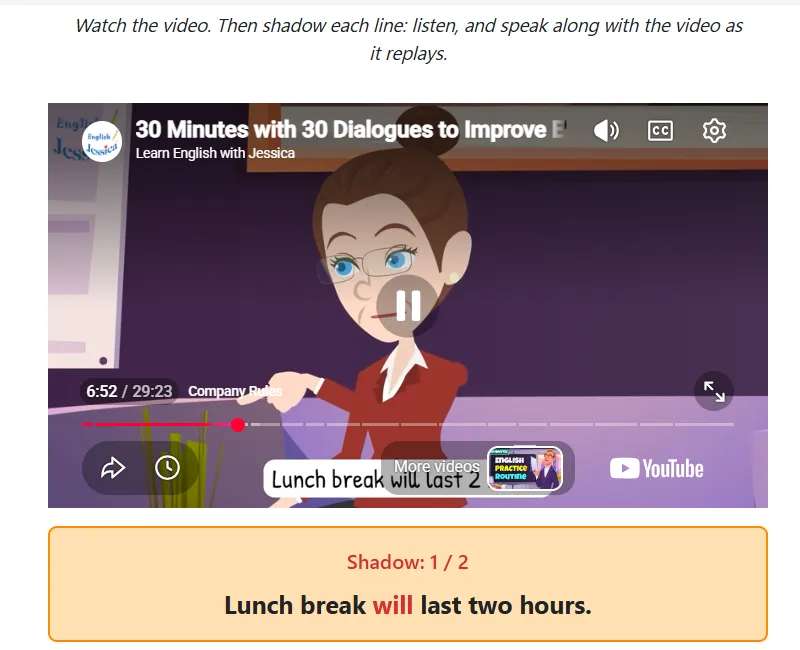
See the video shadowing documentation for more information.
Multichoice Quiz - questions about a passage
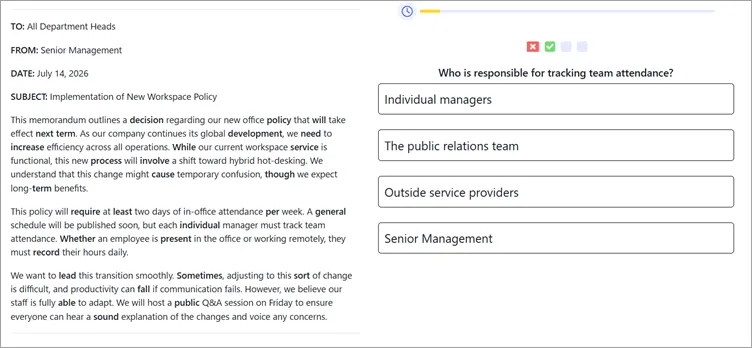
MiniLesson already had Multichoice as a single question. Multichoice Quiz is for when you want several questions about the same resource - a reading passage, an image, an audio clip - without the resource disappearing between questions. It stays on screen, and the questions can be shown one at a time or all together on one page.
One detail worth knowing: for a listening quiz where the audio itself says “the answer is A, B, C, or D,” there’s a mode that shows the answer buttons as plain letters instead of the option text, so what the student sees on screen matches what they hear.
Try them out now
The new item types are available right now on the Poodll Demo site and of course in the latest version of MiniLesson on the Moodle Marketplace.