
Moodle Moot Nordic 2026
Poodll will be in Copenhagen for the Moodle Moot Nordic 2026

Poodll will be in Copenhagen for the Moodle Moot Nordic 2026

Who said Moodle doesn't have zombies? We've got lots. This is a Zombie adventure for Moodle written using MiniLesson and it's AI assistant.

Poodll Solo and ReadAloud can now evaluate a student submission in 3 or 4 seconds.

MiniLesson now has an AI assistant built into the activity. Describe the lesson you want, approve the plan it shows you, and it builds the items.

We have a released a new version of Generico, our popular widget/templat tool for Moodle. Generico Two turns simple tags into reusable HTML, JS and CSS templates you build once and drop in anywhere.

A new Moodle activity module that lets you use AI to grade handwritten assignments.
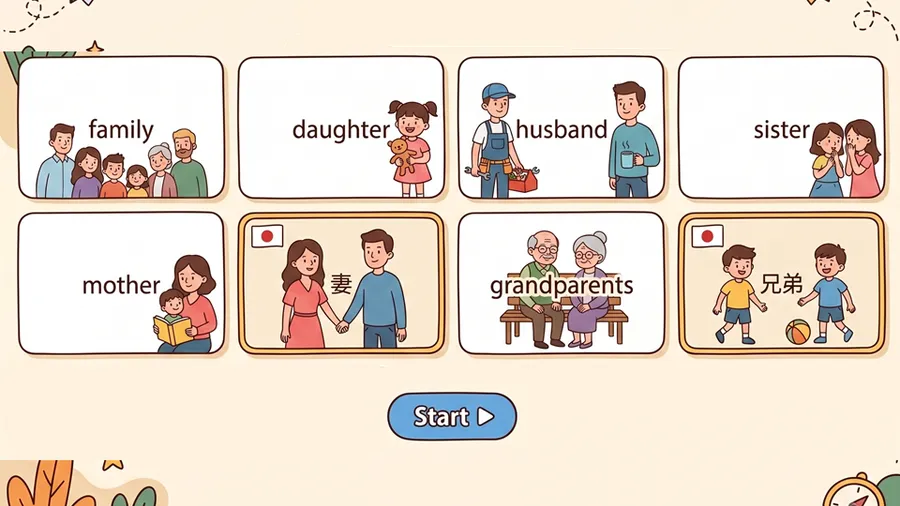
WordCards is a new MiniLesson item for practicing vocabulary. There are four practice types - listen and type, listen and choose, type the word, choose the word.

Four new MiniLesson item types landed over the last couple of months - Cards and WordCards for vocabulary, Video Shadowing for speaking along with YouTube, and Multichoice Quiz for questions about a passage.
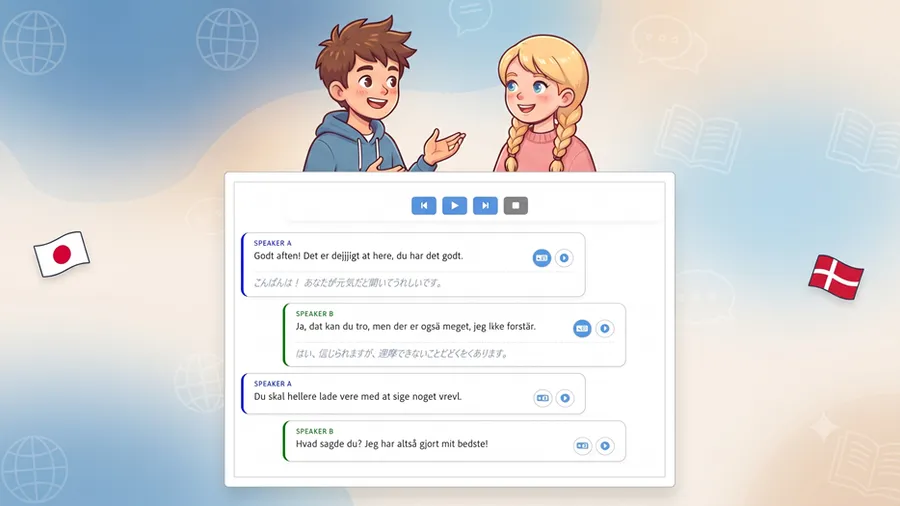
TTS Dialog is one of the quieter features in MiniLesson, turning short scripts into spoken conversations. We've completely revamped the player with full transcripts, playback controls, and tap-to-translate.

Automatically fetching a YouTube video's subtitles turned out to be a losing battle - here's what we tried, what we removed, and the manual fallback we landed on.
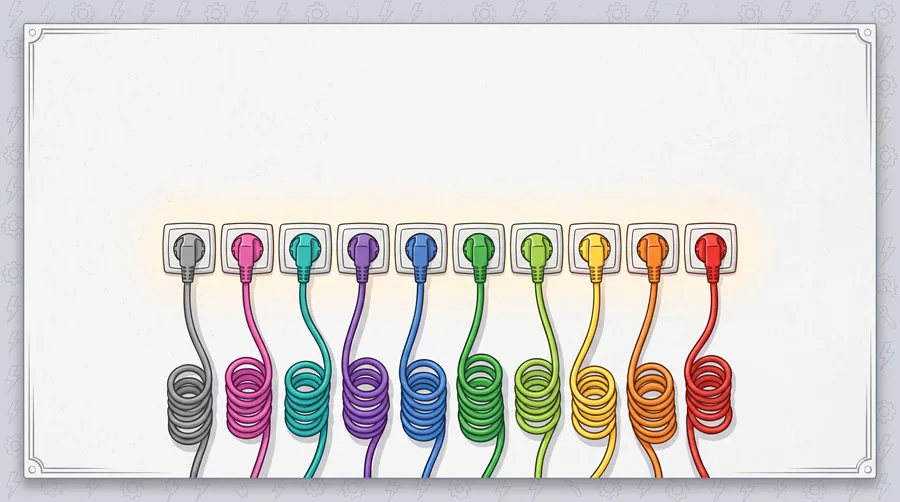
Every item type in MiniLesson - Multichoice, Dictation, Shadow, Cards and around 30 others - is now its own self-contained plugin, and adding a new one no longer touches the core plugin at all.
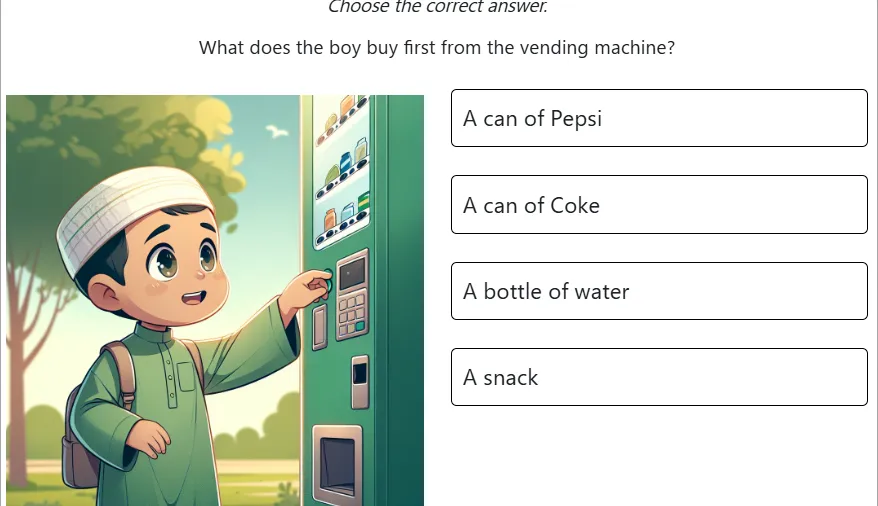
Create MiniLessons with AI Generate from within the Minilesson itself