· 3 min read
Why MiniLesson's Item Types Are Now Subplugins
Every item type in MiniLesson - Multichoice, Dictation, Shadow, Cards and around 30 others - is now its own self-contained plugin, and adding a new one no longer touches the core plugin at all.
A MiniLesson activity is built from a sequence of “items” - a Multichoice question, a Dictation, a Listening GapFill, a Free Speaking task, and so on. Originally there were just 6 item types. Now there are close to 30 of them. Until recently, every one of them lived inside the core MiniLesson plugin. It was one shared body of code. Over the last few months we moved each item type out into its own self-contained plugin, and then went a step further so that adding a brand new item type needs no changes to the core plugin at all.
What wasn’t working
Before this change, an item type like Slides or Fiction was a folder of code living inside the main MiniLesson plugin, alongside every other item type. That caused a real problem. New item types could only be added by modifying Poodll MiniLesson. In practice that meant that only Poodll could add a new plugin type. If anyone else did, it would be overridden in the next plugin update.
And even for Poodll adding a new plugin required changes all over MiniLesson to integrate things like installation, backup, rendering to screen, grading and feedback display.
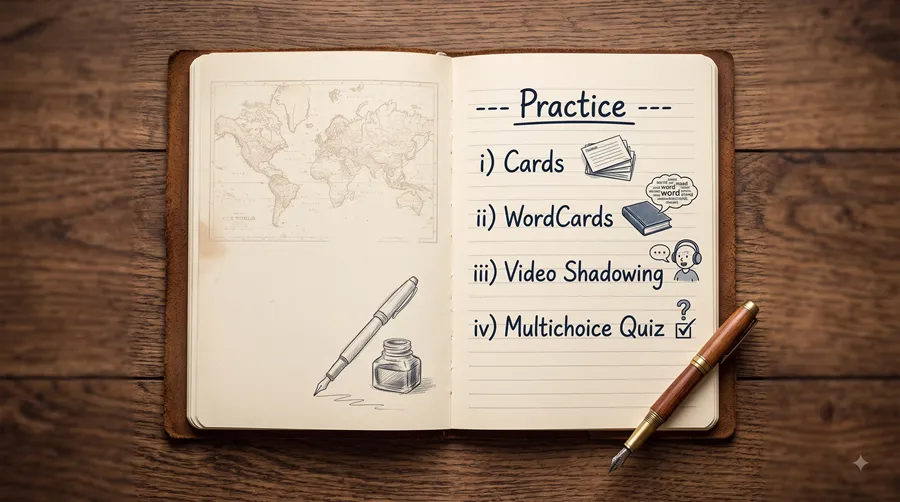
One of the reasons that we have been able to add several new item types (video shadowing, wordcards, cards, multichoice quiz) over the last few months was the efficiency introduced by encapsulating each item in its own subplugin.
What’s new
- Each item type is its own subplugin - its own files, its own version number, installed and updated independently of the core MiniLesson plugin.
- Item types are enabled by default, and switching one off is a deliberate choice an admin makes on the Manage Lesson Items screen, not something that happens automatically on the next update.
- An item type now declares its own behaviour to the core plugin - whether it’s experimental, whether it prefers a vertical layout, whether it supports AI grading or translation - instead of the core plugin guessing from its name.
- An unused item type can be uninstalled cleanly. If nothing on your site has ever used it, it comes out without a trace. If lessons do use it, uninstalling is blocked, same as it would be for any other Moodle activity type in use.
- **Users can create new item types ** - in the age of AI programming custom plugins is now significantly easier. Claude Code and other AI coding tools give power users the ability to add or alter functionality in existing items by copying, renaming and editing them.
Can I make a MiniLesson item type plugin?
Yes. Only basic documentation is available right now (see README.md). Until more detailed docs arrive, Claude Code or similar tools will be able to help you.